What is Ooma Office’s connection to OpenAI?
Ooma Office connects to OpenAI services through its APIs. Ooma subscribers connect to OpenAI Transcription services using an API key generated in their corresponding OpenAI account.
Turn every business call into insights, summaries, and action—automatically.
Seamlessly connect OpenAI to Ooma Office and turn conversations into intelligent actions.

Eliminate manual note-taking and admin work, giving your team more time to focus on customers and closing deals.

Give your team shared access to call insights, so everyone stays aligned and informed without extra meetings.

Understand trends, sentiment, and key topics across calls to improve how your business communicates and serves customers.

Continuously leverage AI-driven insights and analysis to make data-centered decisions.

Turn conversations into next steps. AI identifies key tasks, follow-ups, and decisions so nothing falls through the cracks.

Focus on the conversation, read the room, and make better decisions-while every key point, takeaway, and next step is summarized instantly.

Ooma Office connects to OpenAI services through its APIs. Ooma subscribers connect to OpenAI Transcription services using an API key generated in their corresponding OpenAI account.
Once the connection to OpenAI is enabled using the Open API key, Ooma subscribers can then select “Transcribe this recording” from the call recording drawer. Both a summary and full description will be generated dynamically using the OpenAI transcription service and rendered in the Ooma Office window. The text is saved in Ooma Office and to OpenAI’s Vector Store. Content can be copied to a user selected data server for additional analyses and services.
Notes:
Any business that wants to preserve the content of recorded calls as part of their existing OpenAI database will benefit from connecting with OpenAI. Once a transcription is saved using the OpenAI Vector Store API, it will contribute to a company’s private knowledge base can be accessed for third party post-processing services or customized applications your business has developed. Examples include sentiment analysis, key-word tracking and additional post-processing routines.
Ooma includes the connection feature as part of Ooma Office Pro Plus. Your OpenAI subscription (that is required) is an additional cost that is billed directly to you from OpenAI. The cost for this is dependent on the level of subscription that your company selects. They post these tier prices here.
Ooma Office’s OomaAI fully-integrated transcription service is part of its Pro Plus upgrade. It will use the same transcription engine as its voicemail transcription and users will have the option to download the text or save it to their data web service. As it is built-in, it provides both added convenience at no additional cost.
OpenAI provides users who already are subscribers to OpenAI may want save their transcription data to a common, company-wide knowledge base.
OpenAI API subscribers must engage in a separate Business Associate Agreement with Open AI and implement a series of safeguards to be HIPAA compliant. As Ooma does not control this agreement, we cannot guarantee transcriptions stored externally from Ooma are compliant. For this reason when an admin has checked the HIPAA compliant box in Ooma Office, the OpenAI connection will not be accessible.
If your account requires HIPAA compliance, we recommend that you use enter the HIPAA agreement with Ooma Office and use the OomaAI transcription service.
















Connect your business phone system to the apps you already use every day and cut down on after-call work. […]

AT&T has started phasing out copper POTS lines, with no new installs or changes in nearly 20 states beginning October 15, 2025—and most copper services slated to retire by 2029. That puts fire alarms, elevator phones, safety call boxes and other POTS-dependent devices at risk. Learn the timeline, the operational and compliance impacts, and how modern POTS replacement solutions like AirDial keep critical systems online. […]
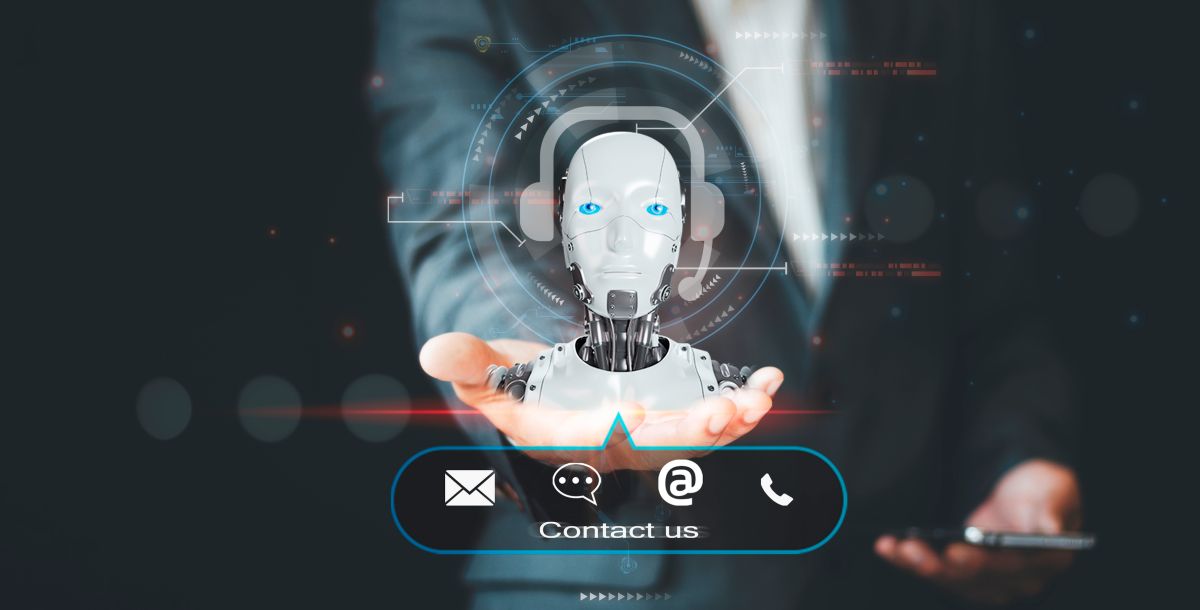
Endless phone menus, hold times and voicemail leave callers frustrated. Here are eight ways AI is changing how businesses answer the phone, and how to balance automation with a human touch. […]

See how call volume, timing, duration, answer rates and transfers can reveal ways to improve business operations. […]