
Home > Home Phone Service > MyPhone > Community
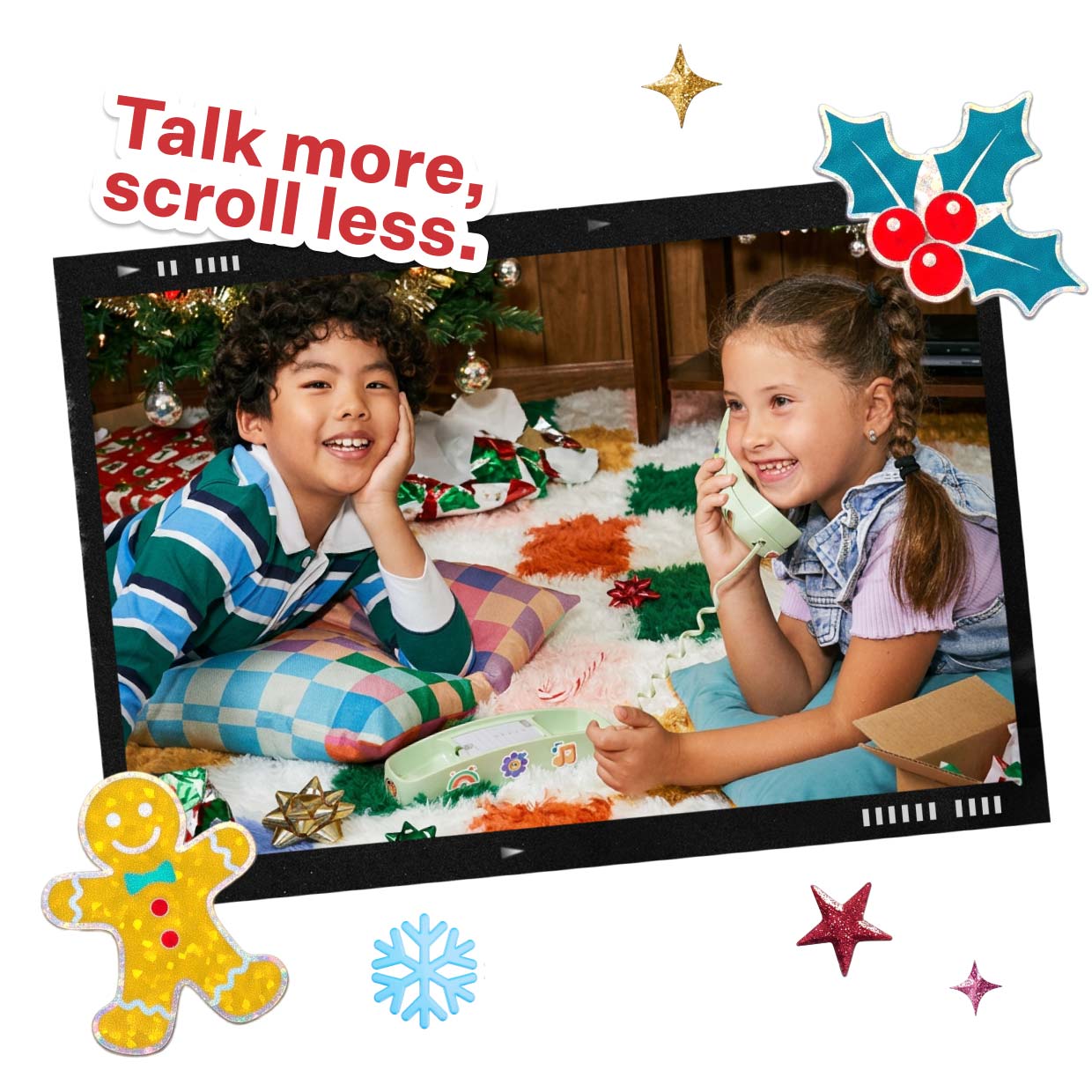
Two kids talking on MyPhone by the Christmas tree

Community Hub

Everything you need to make calling
simple, safe and part of everyday life.
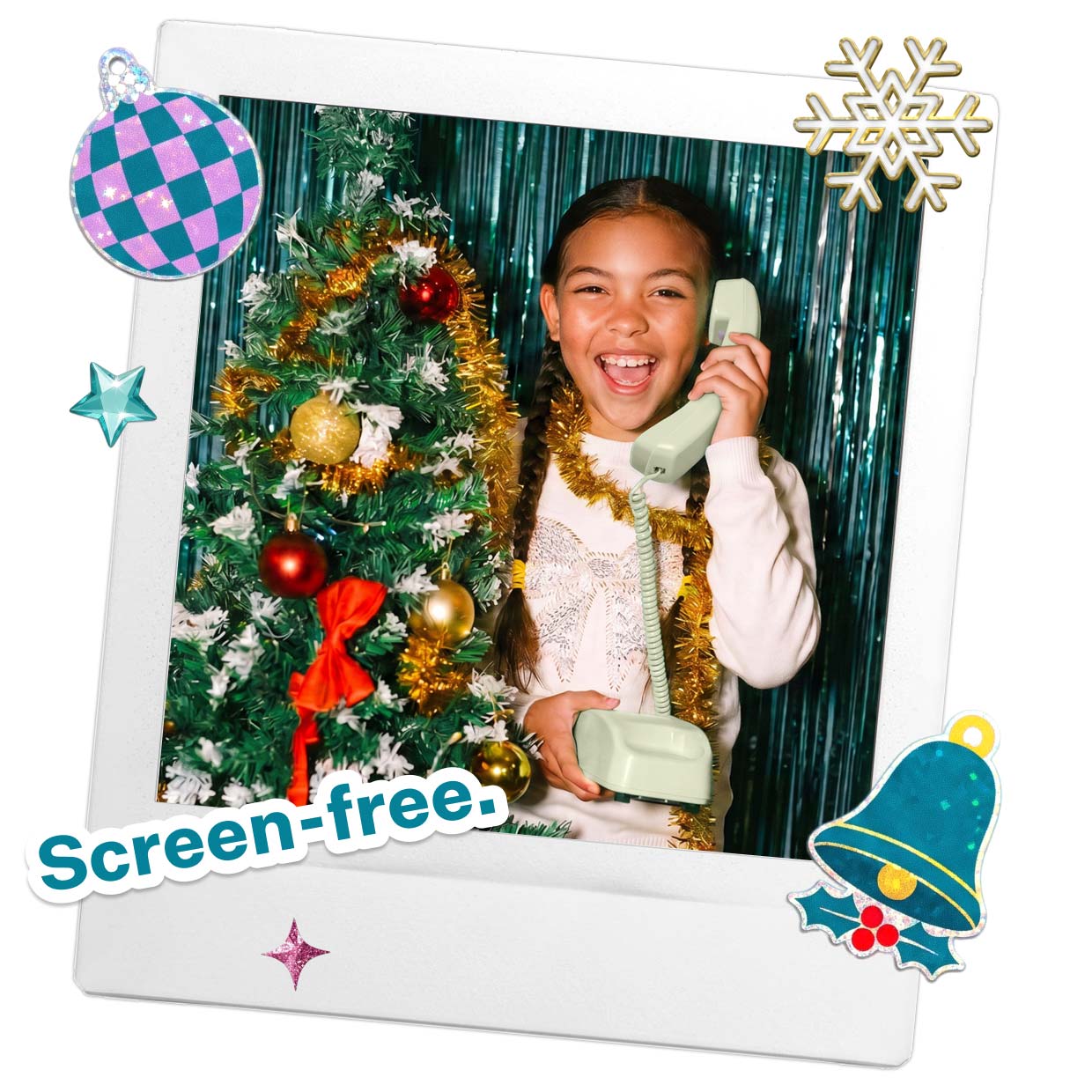
Girl laughing on MyPhone next to a Christmas tree

Latest News

The case for giving kids a direct line to their closest friends

November 19, 2026

The case for giving kids a direct line to their closest friends

A screen-free home phone helps kids connect with friends, practice independence and give parents the…

Schools banning cell phones? A parent's survival guide

November 2, 2026

Schools banning cell phones? A parent's survival guide

Navigate school cell phone bans with practical tips for staying in touch, easing the transition, and…

How to help your shy child find their voice without changing who they are

October 12, 2026

How to help your shy child find their voice without changing who they are

Simple ways to help your shy child speak up with scripts, role-play and low-pressure phone practice.…
Smartphone alternatives for kids: 7 ways to stay connected without a full smartphone

October 1, 2026

Smartphone alternatives for kids: 7 ways to stay connected without a full smartphone

Not ready to hand your child a smartphone? Compare options that allow kids to stay connected without…

7 Back-to-school communication habits that can reduce parent stress

September 4, 2026

7 Back-to-school communication habits that can reduce parent stress

Create simple family communication habits that reduce parent stress while helping children build con…

Generational communication styles: How Boomers, Millennials and Gen Z prefer to connect

August 28, 2026

Generational communication styles: How Boomers, Millennials and Gen Z prefer to connect

Explore how Boomers, Gen X, Millennials and Gen Z communicate differently, and where their preferenc…
The Connectivity Ladder: Is your child ready for a phone?

August 20, 2026

The Connectivity Ladder: Is your child ready for a phone?

Choosing your child's first phone isn't about age alone. Learn how the Connectivity Ladder helps fam…

Healthy tech habits for kids: From before school to bedtime

August 17, 2026

Healthy tech habits for kids: From before school to bedtime

Build healthier technology habits with your kids this school year. Explore realistic ideas for morni…
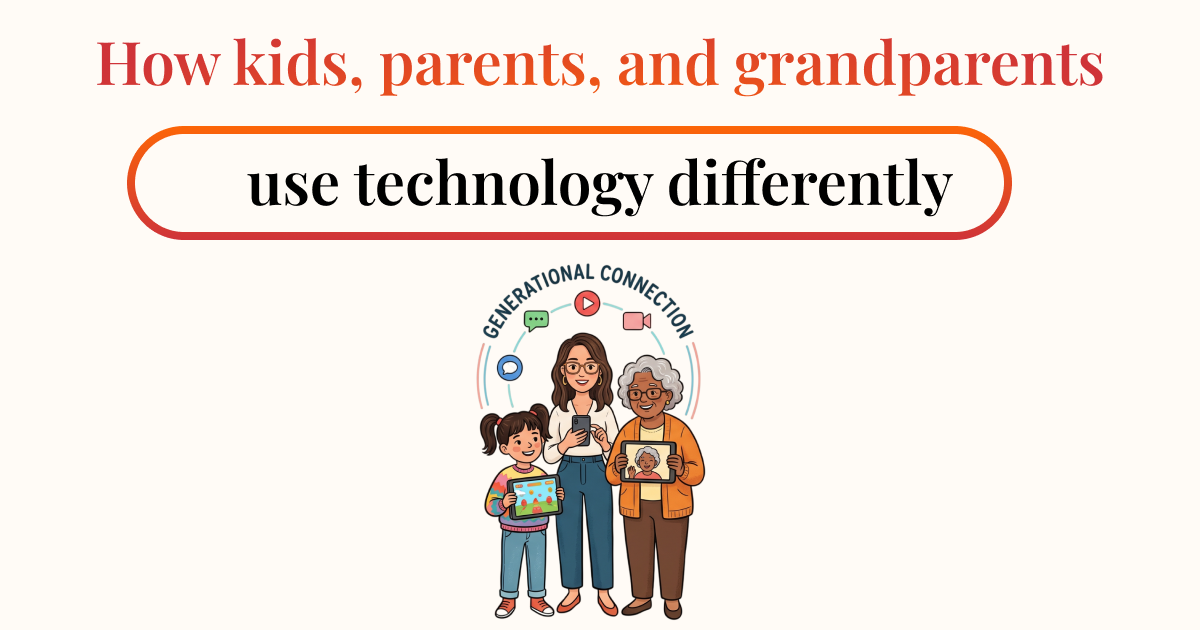
How kids, parents, and grandparents use technology differently

August 3, 2026

How kids, parents, and grandparents use technology differently

New research reveals how children, parents and grandparents each use technology in unique ways.…

Co-parenting communication: Habits that help kids feel secure after divorce

July 31, 2026

Co-parenting communication: Habits that help kids feel secure after divorce

These co-parenting communication habits can help children feel secure, connected and supported after…
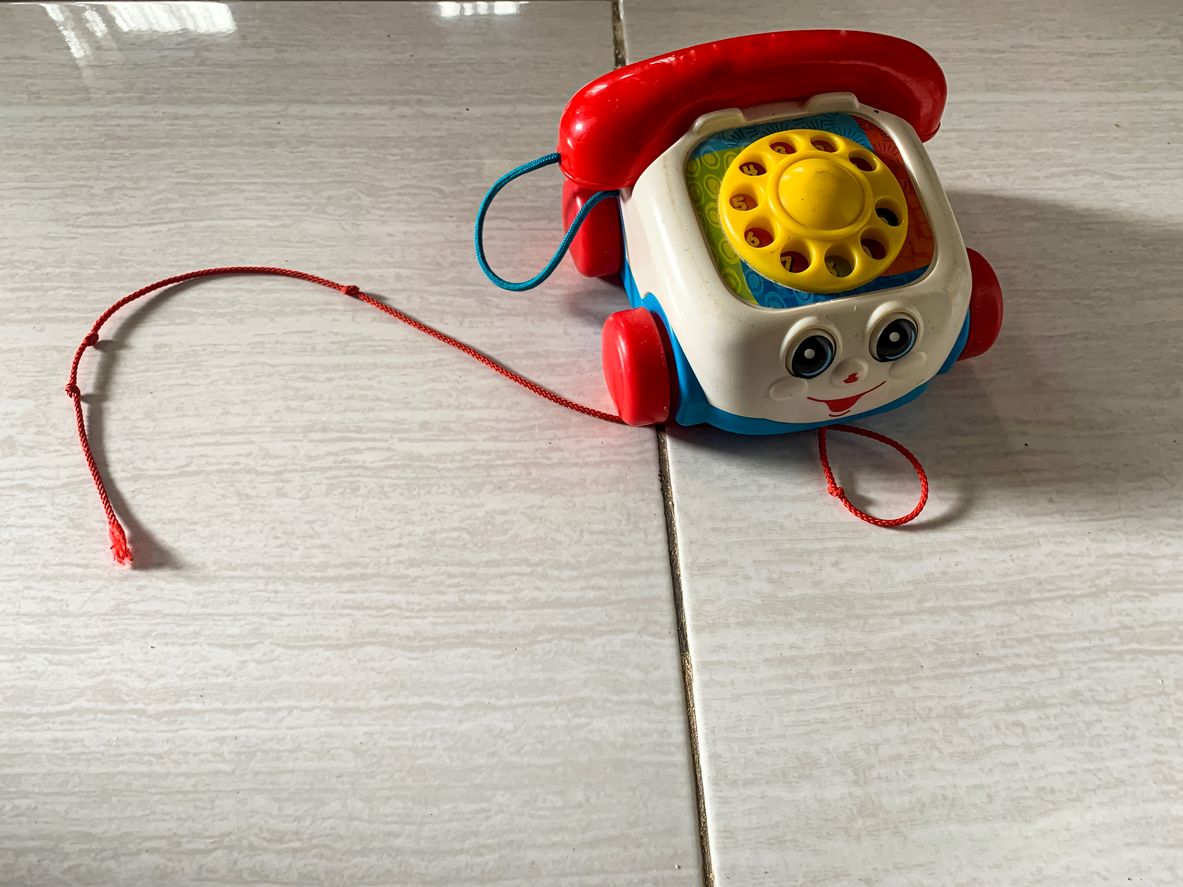
Classic toy telephones every kid remembers

July 13, 2026

Classic toy telephones every kid remembers

Take a nostalgic look at classic toy telephones and see how children's phones evolved from plaything…
The attention economy: Where your time actually goes

June 30, 2026

The attention economy: Where your time actually goes

Learn about how the attention economy operates so you can understand where your family's time is act…


Parent Resources

Keep emergency contacts, address, and key steps in one easy place.

DOWNLOAD (PDF)

A quick, kid-friendly introduction to phone manners, safe answering, and smart calling habits.

DOWNLOAD (PDF)

Simple rules each family member agrees to follow to use the phone safely, politely, and responsibly.

DOWNLOAD (PDF)

A simple card to share your child’s phone number with approved contacts.

DOWNLOAD (PDF)

Easy topics to encourage natural conversations.

DOWNLOAD (PDF)

Teach kids how to stay calm, safe, and confident in emergency situations.

DOWNLOAD (PDF)

A fun way for kids to practice communication skills and smart phone habits.

DOWNLOAD (PDF)

Create 3 fun, one-of-a-kind stories by filling in the blanks.

DOWNLOAD (PDF)

Explore the different ways kids can stay connected as they grow.

DOWNLOAD (PDF)

Phone Skills 101

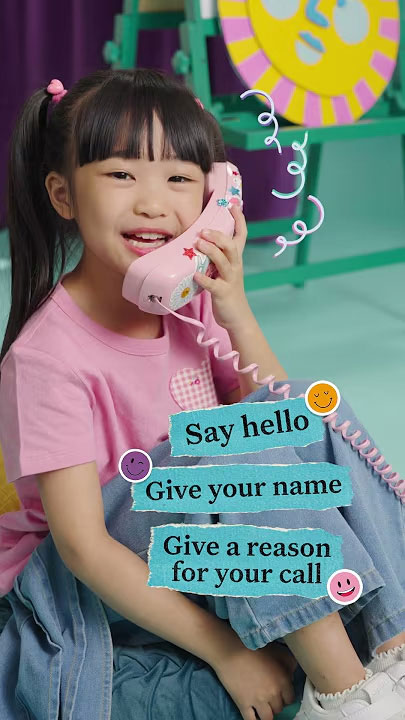
MyPhone 101 – Making a call
Making a Call

Build confidence and learn how to make a simple phone call.

WATCH VIDEO
MyPhone 101 – Voicemails
Voicemails

Beep! You know what to do… right? Leaving a voicemail is easy once you know the formula.

WATCH VIDEO
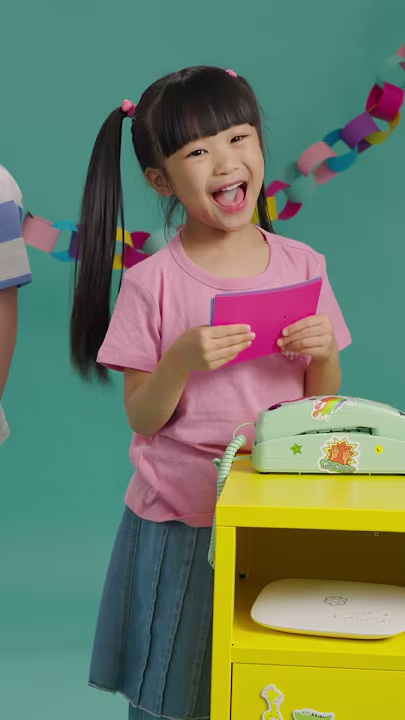
MyPhone 101 – Trusted Circle
Trusted Circle

Grandma? Approved. Best friend? Approved. Random caller? Not invited.

WATCH VIDEO
Pink MyPhone

MyPhone Group Pricing

Get special pricing when you buy multiple MyPhones.

Save on MyPhone
bundles.
OR
Earn donations for
your organization.
GET GROUP PRICING

Trusted by parent communities:
As seen on:

MyPhone vs. other kids’
home phones

See how MyPhone stacks up on the features families care about most — all for just $7.99/mo. + taxes and fees.

 
Best value

MyPhone

by Ooma
Other kids’ home phones
Tin Can logo
Wiley logo
Waffle logo
Ring Ring Club logo
Pinwheel logo
911 text alertsiGet custom email or text alerts when 911 is dialed, so emergency contacts are aware.
Some brands
App push only
—
Contacts-only callingiRestrict incoming and outgoing calls to those on your contact list.
Limited on Free plan
—
Quiet HoursiPause calls on a set schedule or customize hours by day.
Paid plan only
—
Incoming calls from other phonesiParents and approved contacts can call your child’s MyPhone from a cell phone or landline.
Some brands
—
—
—
—
—
Use any handset or corded phoneiConnect any phone or handset to the Base Station to make calls.
—
—
—
Built-in answering machineiListen to important messages through the Base Station speaker.
—
Family calling (party line)iJoin the same call from multiple phones at home.
—
—
—
Second line includediTalk on two different phone lines at home.
—
—
Up to 9 personal numbersiAdd up to 9 numbers under one account. Set your own settings and ring patterns.
1 per household
1 per device
—
Top-rated by Consumer ReportsiOoma is the top rated phone service by Consumer Reports.
—
Battery backupiKeep service running during power outages.
(Battery sold separately)
—
Best value

MyPhone

by Ooma
Other kids’ home phones
911 text alerts
Some brands
Tin Can
Wiley
WaffleApp push only
Ring Ring Club
Pinwheel—
Contacts-only calling
Tin Can
Wiley
WaffleLimited on Free plan
Ring Ring Club
Pinwheel—
Quiet Hours
Tin Can
Wiley
Waffle
Ring Ring ClubPaid plan only
Pinwheel—
Incoming calls from other phones
Some brands
Tin Can—
Wiley—
Waffle—
Ring Ring Club—
Pinwheel—
Use any handset or corded phone
Tin Can
Wiley—
Waffle
Ring Ring Club—
Pinwheel—
Built-in answering machine
Tin Can
Wiley
Waffle
Ring Ring Club
Pinwheel—
Family calling (party line)
Tin Can
Wiley—
Waffle
Ring Ring Club—
Pinwheel—
Second line included
Tin Can
Wiley—
Waffle
Ring Ring Club
Pinwheel—
Up to 9 personal numbers
Tin Can
Wiley1 per household
Waffle1 per device
Ring Ring Club
Pinwheel—
Top-rated by Consumer Reports
Tin Can
Wiley
Waffle
Ring Ring Club
Pinwheel—
Battery backup
(Battery sold separately)
Tin Can
Wiley
Waffle
Ring Ring Club
Pinwheel—

Included — Not compared on source page

Shop MyPhone
$89.99
device · $7.99/mo.
Plus applicable taxes and fees.

The information contained in this comparison chart was last updated on November 19, 2026.

The information contained in this comparison chart was last updated on November 19, 2026.

*You must provide and keep updated your MyPhone location for accurate 911 calling. See E911 Terms and Disclosures for details. Competitor information is drawn from Ooma’s individual comparison pages; “—” means the feature was not compared on that brand’s page.

EXITE POPUP

Here’s Your $5 Off!

Enter this code at checkout to save $5 on your first MyPhone order. We’ve also emailed it to you.

myphone5
Shop MyPhone & Save $5

One use per customer. Valid on your first order.

Wait! Limited Time Offer.

Get $5 Off Your First Order.

Give your kid a phone of their own, without the screen.
MyPhone is the modern landline with the controls parents want.

Scheduled Quiet Hours keep kids focused during homework and bedtime
Trusted Circle lets only parent-approved
contacts call
Safe & Sound with address-based 911
Sign up for MyPhone emails to get your code, plus promotions, new features, and tips for families. Unsubscribe anytime.

By clicking the “SUBMIT” button below:

I agree to Ooma’s Privacy Policy.

I agree to receive marketing, informational, or transactional phone calls or text messages from or on behalf of Ooma, Inc. regarding its products and services at the mobile phone number that I provided above. I understand my consent is not a condition of any purchase of any goods or services.

Fix error
Chat support

Thanks — We’ve Got Your Request.

A member of our support team will reach out to you as soon as we’re back online. In the meantime, you can keep browsing our support articles.

Need an answer right now?

Most questions are already answered in our support articles — setup guides, troubleshooting and how-tos.

Visit the Support Site
Or leave a message and we’ll follow up

By clicking the “SUBMIT” button below:

I agree to Ooma’s Privacy Policy.

I agree to receive marketing, informational, or transactional phone calls or text messages from or on behalf of Ooma, Inc. regarding its products and services at the mobile phone number that I provided above. I understand my consent is not a condition of any purchase of any goods or services.

Fix error