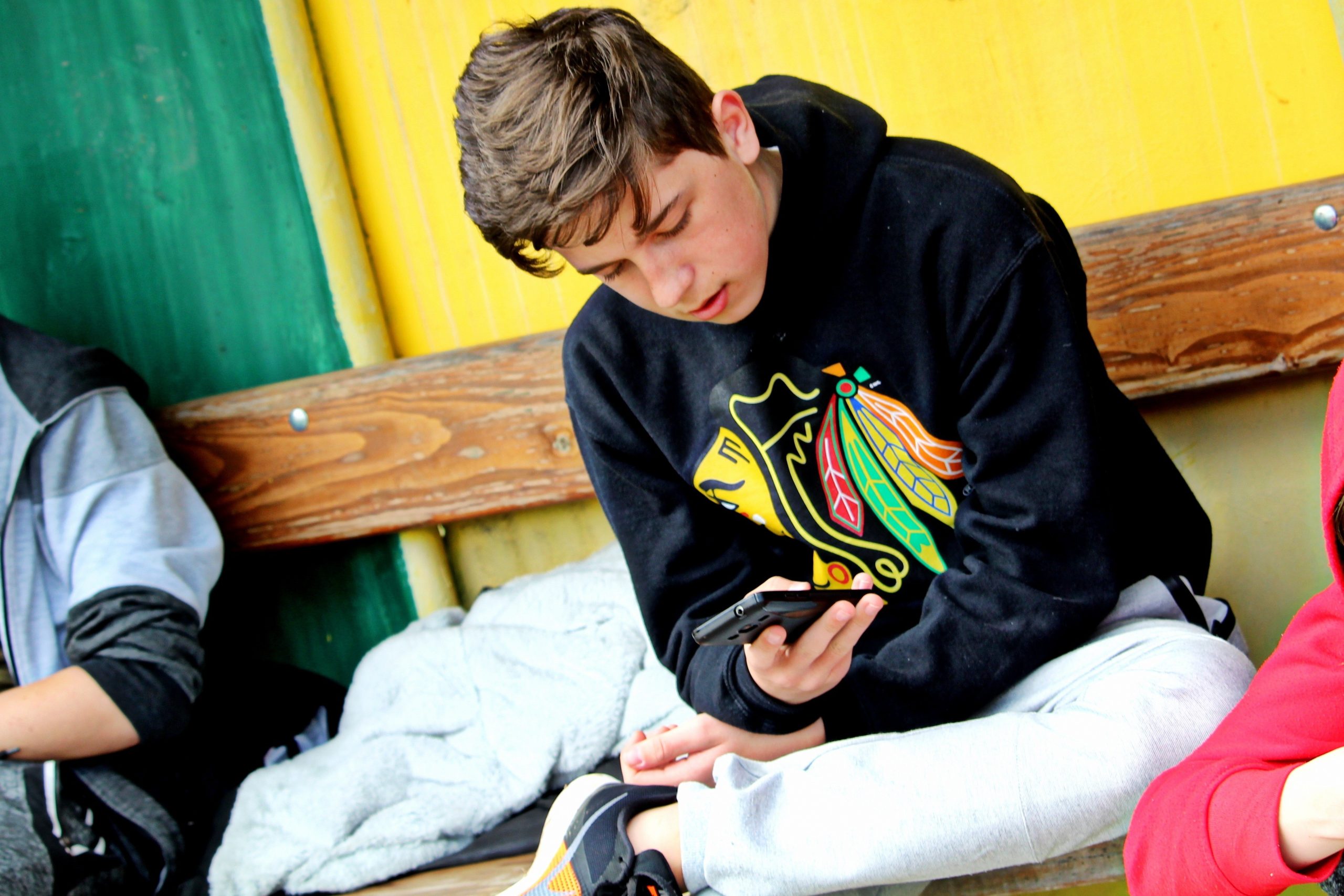
Healthy tech habits for kids: From before school to bedtime
 | August 17, 2026 | 11 min read |
Key Points
- Healthy tech habits are less about eliminating screens and more about making sure technology doesn't crowd out sleep, movement, homework, play and family time.
- Simple routines before school, after school and before bed can help keep screens from becoming the automatic choice.
- Parents can encourage intentional technology use by considering what screen time is replacing and offering realistic alternatives.
- Shared technology experiences, such as watching a movie together or video calling family, can be different from everyone using separate screens.
- AI tools can help parents brainstorm screen-free activities based on a child's age, interests, available time and supplies.

As the new school year begins, families get back into routines like early mornings, packed lunches, homework, activities, and set bedtimes. It’s also a good time to think about another daily routine: how your family uses technology.
Kids start using technology at a very young age. The 2025 Common Sense Census says 40% of children have their own tablet by age 2, and almost one in four has a cellphone by age 8. On average, kids 8 and under spend about 2.5 hours a day on screens.
But that doesn’t mean you have to ban screens from your home.
Phones, tablets, computers, TVs, and gaming systems can all fit into a healthy family routine. Kids use technology to learn, connect with friends, and unwind. Sometimes, turning on a favorite show while you make dinner is just what you need on a busy night.
Rather than just counting how many minutes kids spend on screens, it helps to ask: What are they missing out on because of screen time?
This idea matches the American Academy of Pediatrics’ 2026 advice on kids and digital media. Instead of setting one screen-time rule for everyone, the AAP suggests making sure technology doesn’t crowd out sleep, exercise, reading, play, homework, or family time.
Here are some practical ways to use this approach during the school day.
Before school: Don’t let screens run the morning
Most school mornings are rushed. With everyone looking for shoes, making breakfast, and trying to get out the door, adding a tablet or TV can make things even more hectic.
Try saving screen time for after your kids are ready, or skip it completely on busy mornings.
You don’t have to cut out all technology in the morning. Play some music while everyone gets ready, listen to a kid-friendly podcast at breakfast, or let your child check the weather to see if they need a sweatshirt.
You can also give younger kids a simple morning checklist:
- Get dressed.
- Eat breakfast.
- Brush your teeth.
- Pack your backpack and water bottle.
- Put on your shoes.
When these tasks become habits, screens are less likely to become the go-to activity while everyone gets ready.
Parent tip: Keep the rule simple. Saying “No tablets before school” is easier for kids to remember than changing the rules every morning.
Watch out for your own habits. If you ask kids to put away their devices at breakfast but use your own phone, they’ll notice. The AAP recommends that parents model healthy digital habits for their families.
During school: Let kids focus on what’s in front of them
The school day can bring a tech challenge for families. You might want your child to be able to contact you as they walk to school, ride the bus, go to activities, or spend more time away from home. But giving them a smartphone also gives them access to games, apps, and other distractions.
Start by following your school’s rules about phones and other personal devices. Then talk with your child about why those rules exist.
It’s helpful to notice the difference between using technology as a tool and using it out of habit. A Chromebook might be needed for homework, and a phone can help your child let you know if soccer practice ends early. But that doesn’t mean they need to check messages or entertainment every time there’s a break.
For some families, staying in touch doesn’t have to mean giving kids a smartphone all day. When they’re home, a simpler device like MyPhone lets kids call parents, grandparents, and other important people without all the apps and distractions of a smartphone.
Parent tip: Talk with your child about what the phone is for. For example, you might say, “You can keep it in your backpack at school and call us if your plans change after school.” Clear rules are easier to follow than just saying “stay off your phone.”
After school: Give kids another way to decompress
After a day of sitting, listening, focusing, and following a schedule, kids usually need a mental break and some time to move around.
It’s normal if your child asks for a show, game, or tablet after school. Some screen time is fine, but it’s important to make sure it’s not the only way they know how to relax.
Depending on your child’s age and interests, after-school options could include having a snack, shooting hoops, walking the dog, drawing, reading a comic, listening to music, or playing with a friend. You don’t have to fill every minute with an enriching activity. Sometimes kids need to flop on the couch, stare out the window, or complain that they’re bored for a while. Unstructured downtime doesn’t have to be filled immediately with a device.
This is a good time to ask, “What is the screen replacing?” If your child plays games for half an hour after having a snack, moving around, and talking about their day, that’s different from always using a device instead of those things.
Watch out for swapping screen time with a packed schedule. You don’t have to replace three hours on a tablet with three hours of planned activities.
When a screen becomes the default, try a tech tradeoff
Healthy tech habits don’t mean you have to swap every screen for a “better” activity. Instead, notice when a device is the automatic choice and think about what else your child could do at that time.
| Part of the day | Instead of automatically… | Try making room for… |
|---|---|---|
| Before school | Turning on the TV or tablet | Music while getting ready, helping with breakfast or following a morning checklist |
| After school | Going straight to games or videos | A snack and downtime, outdoor play, drawing, reading or music |
| Homework breaks | Opening videos or social apps | Stretching, getting water, walking the dog or shooting a few baskets |
| After dinner | Everyone going to separate screens | Cards, a walk, a puzzle, conversation—or watching something together |
| Before bed | Scrolling or watching videos | Reading, quiet music, conversation and charging devices outside the bedroom |
The goal isn’t to make the screen-free alternative always “win.” It’s to help kids see that screens are just one option for their time, not the only one.
Homework time: Make technology work for them
“Put the screens away during homework” sounds simple, but it gets tricky when your child needs a laptop for their assignment. Instead of trying to remove technology from homework time, help kids practice using it intentionally.
If you can, set up a regular spot for homework. Before starting, have your child gather what they need: books, pencils, a charger, and maybe a snack or water. If they’re using a computer or tablet, close extra apps and tabs and turn off notifications.
For longer assignments, add real breaks. Stand up and stretch, refill a water bottle, walk around the block, or pet the dog.
Otherwise, a five-minute video break can quickly turn into 35 minutes.
Research reviewed by the AAP has found that using entertainment media while completing academic tasks can negatively affect learning. Its guidance recommends keeping entertainment media out of homework time even when a device itself is needed for schoolwork.
Parent tip: Ask your child, “Do you need this device for your homework?” This question is often more helpful than labeling screens as good or bad.
Evenings: Make technology something you sometimes enjoy together
After dinner and homework, it’s easy for everyone to go off to their own screens. We all do it. You might be focused on your phone while your partner sits in front of the TV. You might have one child head off to do some gaming while another might retreat to their bedroom to watch YouTube videos on a tablet.
Try to set aside time for the family to do something together. This could be a walk around the neighborhood, playing cards, working on a puzzle, baking cookies, or reading in the same room.
It can also involve technology.
Watching a movie together on Friday night is different from everyone watching separate screens in different rooms. You can also play a video game together, let your child pick a funny video for everyone, or video call a grandparent.
The AAP encourages parents to watch and play alongside their children when possible. Shared media can give parents a better sense of what kids are consuming and how they’re responding to it.
In other words, turning off screens isn’t the only path forward in building healthy tech habits in your family. Sometimes it’s more about noticing how you use technology today and making intentional shifts towards more responsible use.
Watch out for making all the screen rules just for kids. Try putting everyone’s phones away during dinner, adults included.
Bedtime: Give brains and devices a chance to wind down
Bedtime is a good time to have a consistent tech routine.
The American Academy of Pediatrics recommends making the hour before bedtime screen-free and keeping devices out of children’s bedrooms overnight. Research reviewed by the organization has associated media use around bedtime and devices in bedrooms with sleep disturbances.
For families, this could mean setting up a charging station in the kitchen or living room where phones and tablets stay overnight.
Then swap the device for something your child enjoys, like reading a book, listening to quiet music, talking about tomorrow, or reading together with a younger child.
For older kids who are used to having their phone nearby, explain why you’re making this change instead of just taking the device away at 9 p.m. Try to follow the same rule yourself when possible. Create a routine that signals the day is winding down: devices charge, pajamas go on, teeth get brushed, and books come out. A predictable sequence can eventually require less negotiation.
Start with one or two changes
You don’t have to overhaul your family’s technology habits all at once. Between new schedules, homework and activities, the start of the school year is already an adjustment. Instead, choose one or two technology habits that feel manageable for your family and build from there.
Maybe you keep devices off the breakfast and dinner tables. Maybe tablets charge outside bedrooms. Or everyone goes outside for a bit after school before turning on a game or turning to a screen.
Talk about these changes as a family, especially with older kids. Explain your goals and listen to what they think is fair.
Most importantly, offer kids something to do instead of just telling them what not to do. Saying “Put the tablet away” leaves a gap, but “Put the tablet away and come help me make tacos” gives them a new focus.
Try using AI to come up with screen-free ideas
It might sound counterintuitive, but technology can actually help your family come up with creative ways to spend more time away from screens. If you can’t think of alternatives to another TV show or game, try asking an AI tool for ideas. Just include your child’s age, interests, how much time you have, and what supplies are handy.
Here are a few prompts you can customize:
For the “I’m bored” moment
Give me 10 things a [7]-year-old can do independently for 20–30 minutes at home without a screen. They like dinosaurs, drawing, and building things. Prioritize activities using things we probably already have.
For after school
Suggest five low-effort after-school activities for a [10]-year-old who needs to decompress. Avoid screens, structured lessons, and activities that require a parent to participate the whole time.
For siblings
Give me eight screen-free activities a [6]-year-old and [9]-year-old can do together. Keep setup under five minutes and avoid anything that creates a big mess.
For a tired weeknight
We have 30 minutes between dinner and bedtime. Suggest five simple activities for two adults and kids ages [8 and 11]. We’re tired, so nothing complicated or requiring special supplies.
Use whatever you’ve got
I have cardboard boxes, markers, painter’s tape, LEGO, and a backyard. Give me 10 activities for an [8]-year-old using only those things.
You don’t have to use every idea the AI suggests. Treat it like a brainstorming partner—give it your needs, pick what works for your family, and skip the rest.
Parent tip: Don’t include your child’s name, school, location, or other personal details in your prompt. Their age, interests, and what you have at home are usually enough for good ideas.
Technology can be part of a healthy childhood
Healthy tech habits don’t mean kids have to grow up without screens. They just need practice deciding when technology is helpful, when it’s fun, and when it’s time to focus on something else.
The school year gives families lots of chances to practice these habits. A child might call home if the bus is late, use a computer for homework, watch a favorite show after dinner, and still have lots of time to talk, play, learn, move, and sleep.
So instead of just asking, “How much screen time did my child have today?” try also asking, “What did technology help with or get in the way of?”
If you want your child to have more independence without giving them a full smartphone, MyPhone offers a simpler way to stay connected.
The goal isn’t to keep technology out of childhood. It’s to help kids see that technology is just one part of their day, not something that needs to fill every moment.
Husain Sumra is a former journalist who reported on the biggest companies in tech, from Apple to Amazon, covering cloud services, consumer technology and communication solutions. His journalism background has helped him bring a customer-first approach to content marketing, creating pieces of content aimed at helping people.