
Setting up Ooma Connect as a primary Internet connection
Last Updated: March 2, 2026
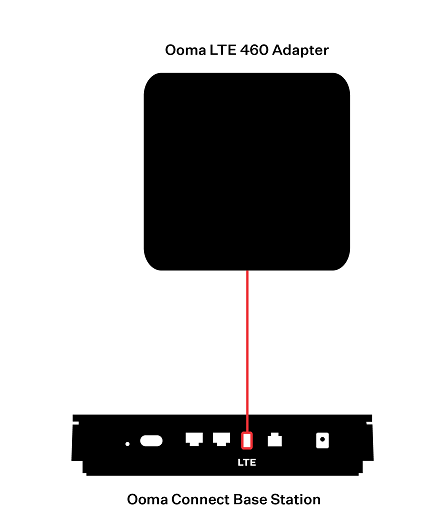
If you’d like to use Ooma as your primary Internet connection, your setup will be completed in just a few minutes. Simply connect the Ooma LTE 460 Adapter to the LTE port on the back of the Ooma Connect Base Station, as shown below:
Once you have set up the Ooma Connect Base Station, you will need to connect it to your computers, telephones, and other Internet-connected devices by following the instructions in this article.