How to log in to and out of the End User Portal
Last Updated: July 21, 2025
To log in, navigate to office.ooma.com, and follow the steps below to access your account:
- Click on “For Users” to bring up the screen shown below:
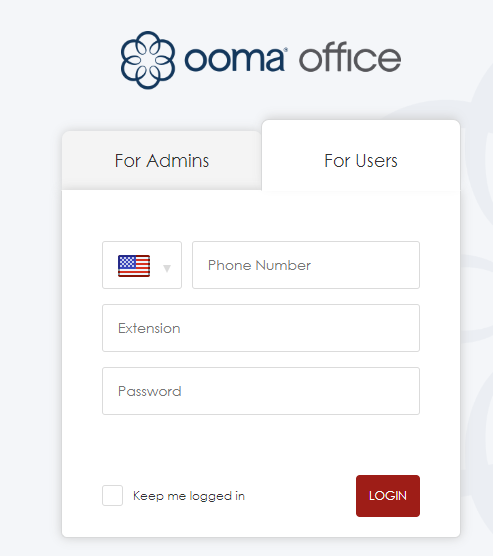
- Enter the main phone number for your business in the “Phone number” field
- Enter your extension number in the “Extension number” field
- Enter your password in the “Password” field
- Click “Login” to log in
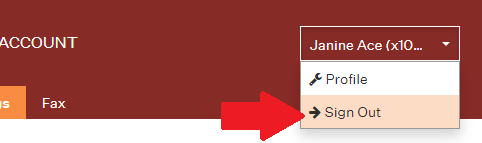
To log out, click on your username in the top right corner, and then select Sign Out from the dropdown menu.