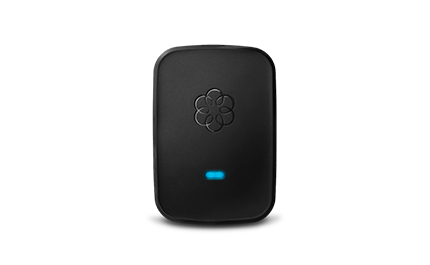
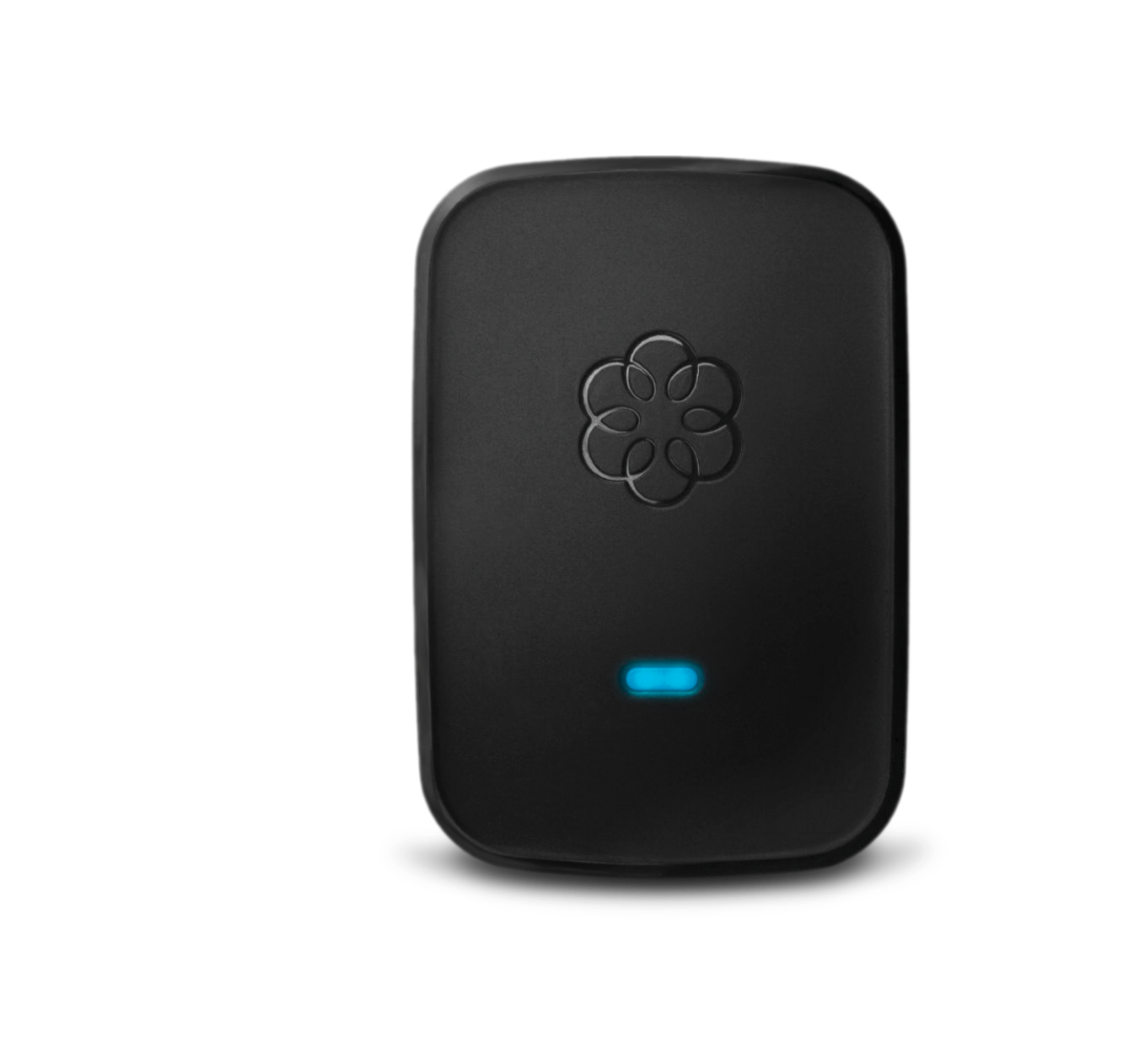
A wonderfully wireless phone extension for Ooma Telo.
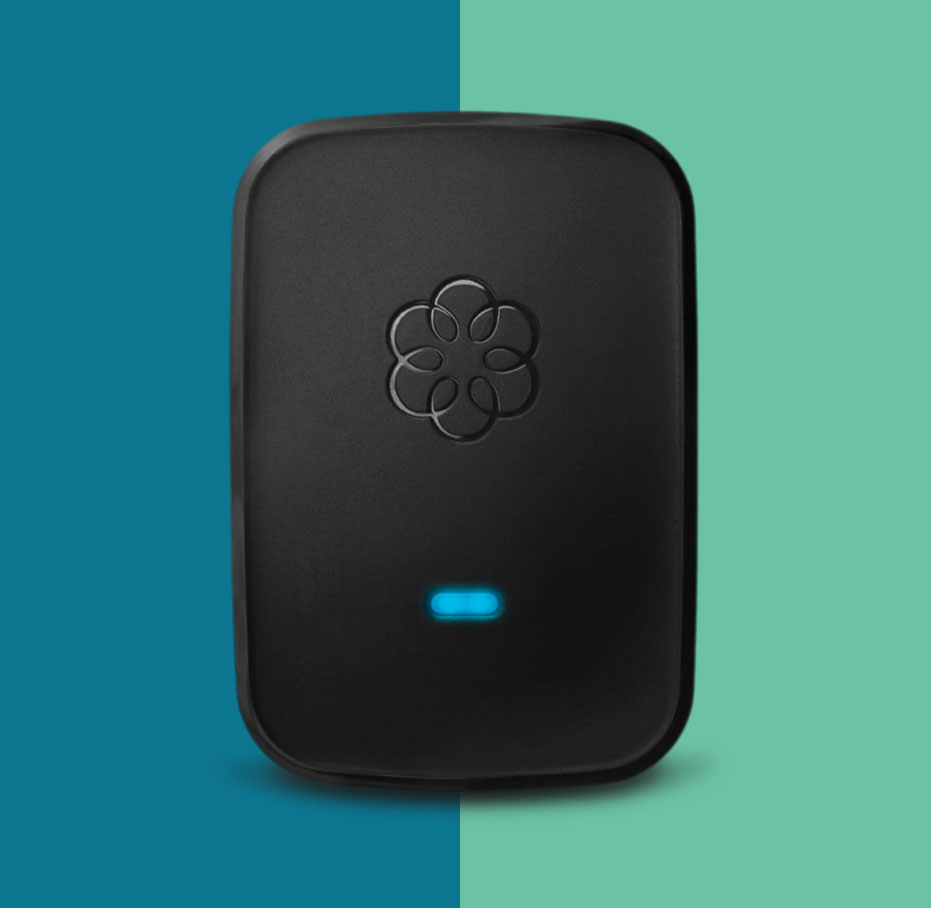
The Ooma Linx wirelessly connects additional phones or fax machines to your Ooma Telo with DECT 6.0 technology. Connect up to 4 Ooma Linx devices to your Ooma Telo.
Risk-free 30-day return
$49.99
New Customer?
Ooma Customer?
Extend your Ooma service quickly and easily.
Connect phones, fax machines and other telephony devices and expand your home communications setup in minutes.
Phone Features
Supports caller-ID, call-waiting, and call-waiting caller-ID.
Supports Standard Phones
Establish a high-fidelity connection that minimizes data loss with fax machines and other devices.
Integration with Ooma Premier
Ooma Premier customers can enjoy features like an instant second line.
FAX/Data mode
Perfect for home offices, the Linx’s RJ11 Jack is compatible with all standard telephones and telephony devices.
There are so many ways that you can use the Ooma Linx to expand your home phone setup.
Got more questions about the Ooma Linx? Visit our FAQ to find out more.
Use the Ooma Linx with your main number, or dedicate a separate number for a home office. Our easy setup will have you calling in minutes.
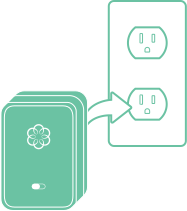
Step 1
Plug the Linx device into a power outlet that’s close to your Ooma Telo.
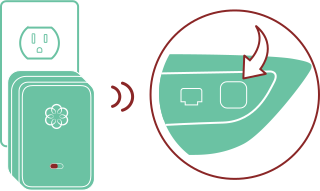
Step 2
Press the Page key on your Ooma Telo and hold it down for 3 seconds. The Linx device will turn blue.
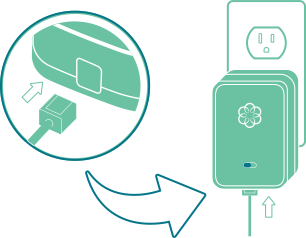
Step 3
Plug your device into the phone jack at the bottom of the Linx.
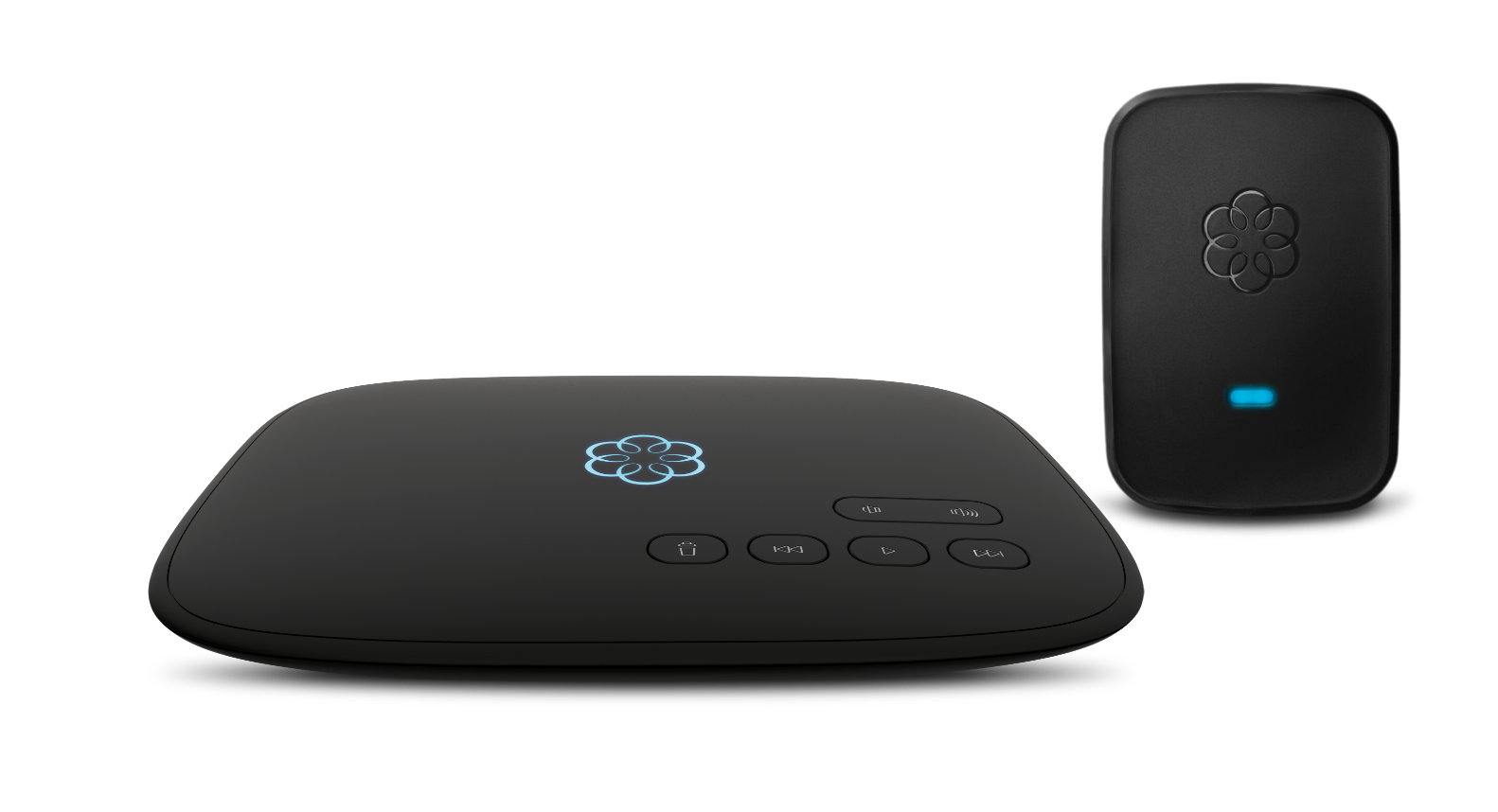
Ooma Telo + Linx
The Ooma Linx is a wireless accessory that connects telephony devices like phones and fax machines from anywhere in your home to an Ooma Telo base station.
We have the perfect
solution for every phone
service need.
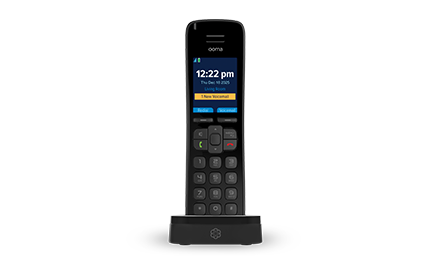
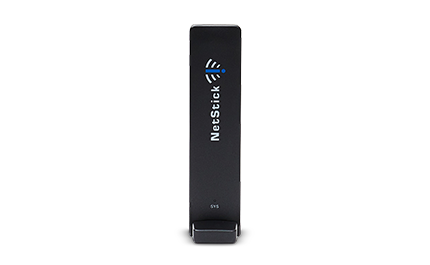
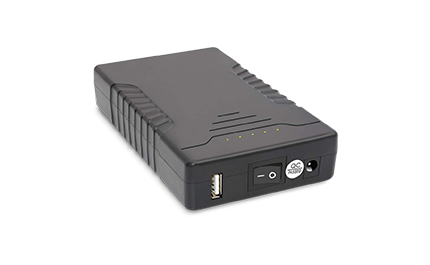
From battery backups to handsets with smartphone-like features, Ooma offers a variety of VoIP phone accessories. Find what works best for your home, here.