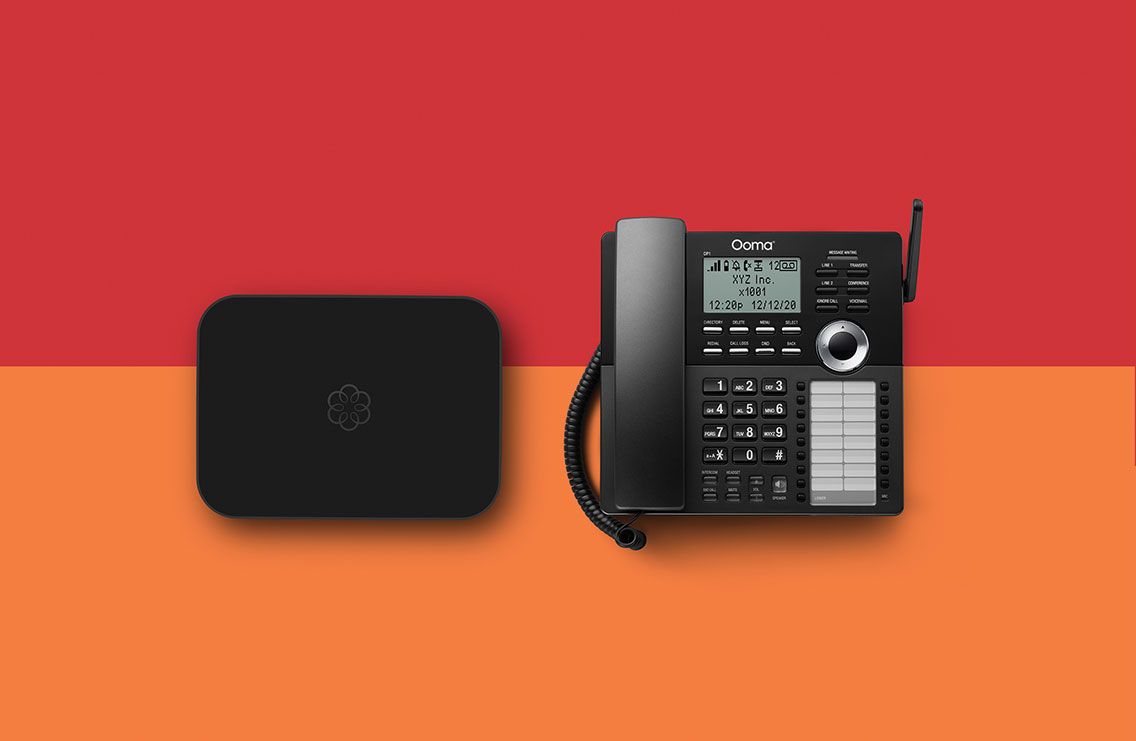
Absolutely everything you’d ever need in a business phone system.

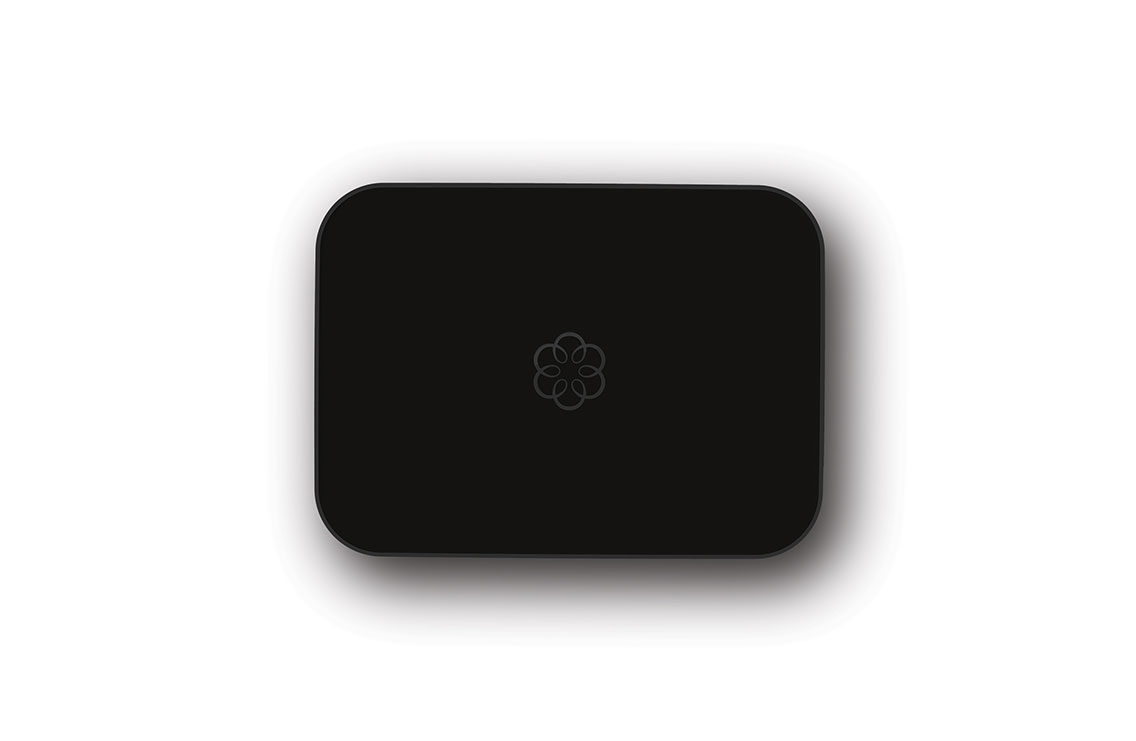
Ooma Office uses your high-speed Internet connection to deliver a high quality yet very affordable business phone system with advanced features typically found in far more expensive options. It blends the ease of do-it-yourself installation with the power of cloud computing to deliver the features and quality of service you’d expect from a business class phone system. Even better, Ooma Office has plenty of room to grow as your business expands without breaking the bank.

  • See how your office can be OOMAZING!

Affordable pricing

Unlimited calling in the U.S. and Canada starts at only $19.99 a month per line.

Big business features

Virtual receptionist, extension dialing, conferencing, music-on-hold and much more.

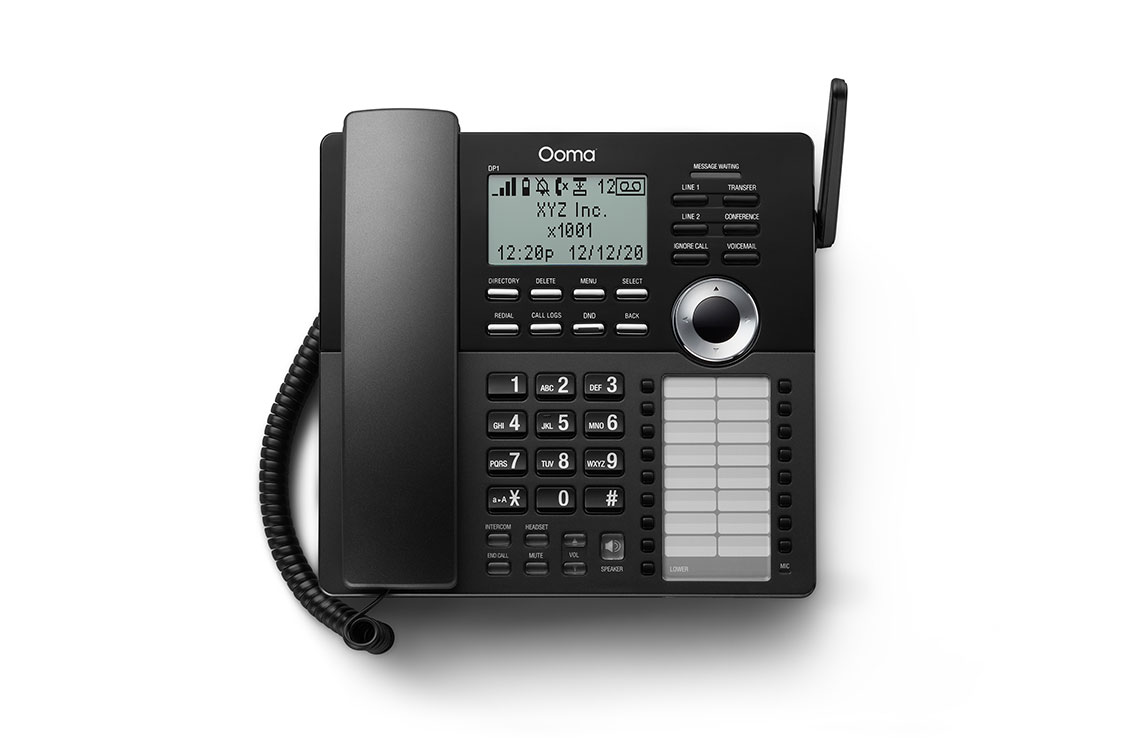
Use regular phones

No special IP phones or equipment needed.

Easy setup

Sets up in minutes with no new wiring and 24/7 support if you need it.

Grows with your business

Expands to 5 phone extensions and 15 virtual extensions.

Figure your potential savings.

Save thousands
of dollars
with Ooma.


Enter your # of phone lines and your monthly phone bill if different from the number showing above

Sample savings
$230.37 savings
$710.73 savings
$1191.09 savings
 

Cost of taxes and handset are not included on the calculation

Easy do-it-yourself setup.

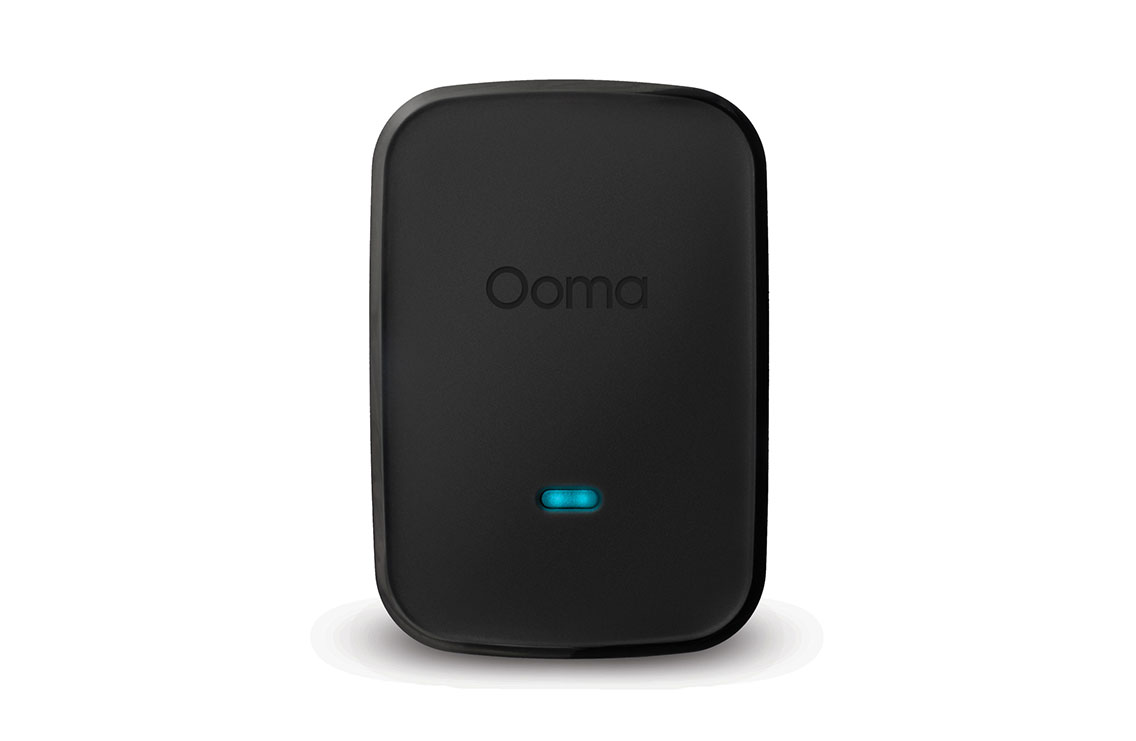
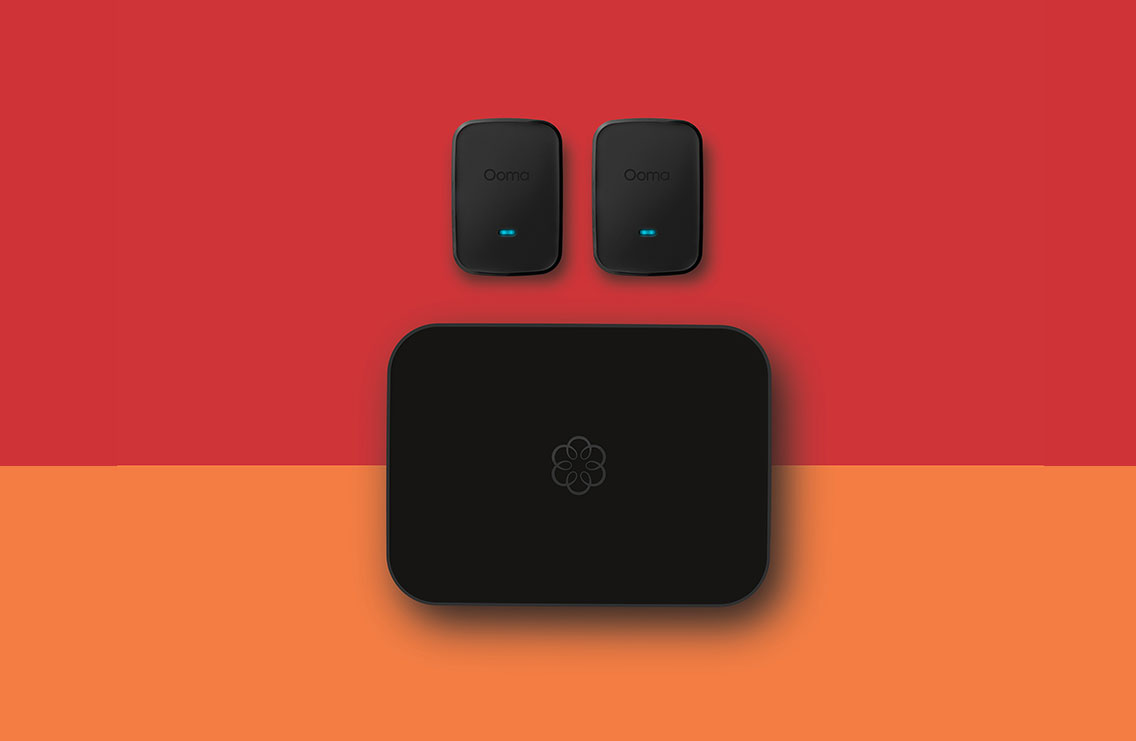
Ooma Office uses the latest wireless DECT technology to easily connect devices without deploying wires across your office.

Get features found in expensive business phone systems.

Calling      

  • Unlimited calling in U.S. and Canada
  • Low international rates
  • Caller-ID and Name
  • E911 service
  • FREE number transfer

Setup      

  • Easy installation
  • No special wiring required
  • 24/7 customer support
  • Directory listing
  • No special phones needed

Office features      

  • Virtual receptionist
  • Extension dialing
  • Voicemail
  • Call transfer
  • Modes for business and after hours
  • Ring groups
  • Music on hold
  • Conference bridge

Mobility features      

  • Call forwarding
  • Voicemail forwarding
  • Multi-ring
  • Virtual extensions

Feature Details

Extension dialing

Each phone connected to the Ooma Office system has its own 3-digit extension number (starting at extension 101). This allows everyone to share your main business number while letting the Virtual Receptionist automatically route incoming calls. You can easily dial from one extension to another by dialing the extension number you want to reach.

Voicemail

Every extension is set up with a private voicemail account. Each user can record their own greeting
and configure their messages to be forwarded to their email for easy listening.

Forwarding options

Employees who are in and out of the office a lot can be just as productive on the go. Users can choose from a variety of forwarding options that best suits their needs. Ooma Office supports call forwarding and simultaneous ringing.

Music on Hold

Don’t keep your customers waiting in silence – keep them entertained with Music on Hold. This feature is also a great way to tell them more about your products and services, play out favorable reviews and testimonials, and advertise your latest promotions and offers.

Virtual Receptionist

The Virtual Receptionist handles incoming calls and makes it easy for callers to reach the right person. It is also invaluable for answering common questions, advertising your services and/or special offers, and for projecting a professional image to your callers. Ooma Office gives you the flexibility to have different prompts during business hours and when you are closed.

Conference bridge

The conference bridge feature makes it easy for you to host your own conference calls. It supports up to five participants and includes admin and user level PIN numbers to protect access.

Virtual extensions

Keep your remote workers connected with virtual extensions. These internal extension numbers can be forwarded to an external number like a cell phone, and they come with their own private mailbox. Virtual extensions make it a snap for your customers and everyone in the office to keep in touch with the folks who aren’t there in person.

Ring Groups

Do you have a “Sales” team or a “Support” group? Routing calls by function lets you to distribute the workload and can help ensure someone is always available for your customers. Ring groups span multiple extensions—even virtual extensions!

Expandable capacity

Your Ooma Office configuration starts off with one phone line and one number, but this power system has plenty of room to grow with your business

Phone lines
Each phone line can handle one simultaneous external incoming or outgoing telephone call. Depending on how busy your business is, you may purchase additional lines of capacity to ensure that you don’t miss any calls. Once you have used up your capacity of phone lines, incoming calls will receive a busy signal and outgoing calls cannot be placed. Ooma Office supports up to 10 phone lines, enough capacity for the busiest of businesses!

Direct numbers
Additional phone numbers can be handy if you want to have numbers in multiple area codes or if some of your extensions (like a fax machine) need to have direct inbound calling capabilities to bypass the Virtual Receptionist. Each phone line you purchase includes a free direct number.

Manage the office, even when you’re away from the office.

The Ooma Office Manager is your one-stop online destination for managing your Ooma Office system. It's the ultimate in convenience; you can change your settings from anywhere that you have an Internet connection, any time you want. You won't have to navigate phone menus and the changes you make will be reflected instantly. Whether you'd like to change your greeting, assign extensions, set up calling groups, your Ooma Office Manager makes it easy.


Not ready to buy now? Stay connected.

Enter your email address below if you are interested to learn more about Ooma Office.

Become an Ooma Office authorized reseller.

Click here to fill out an application.